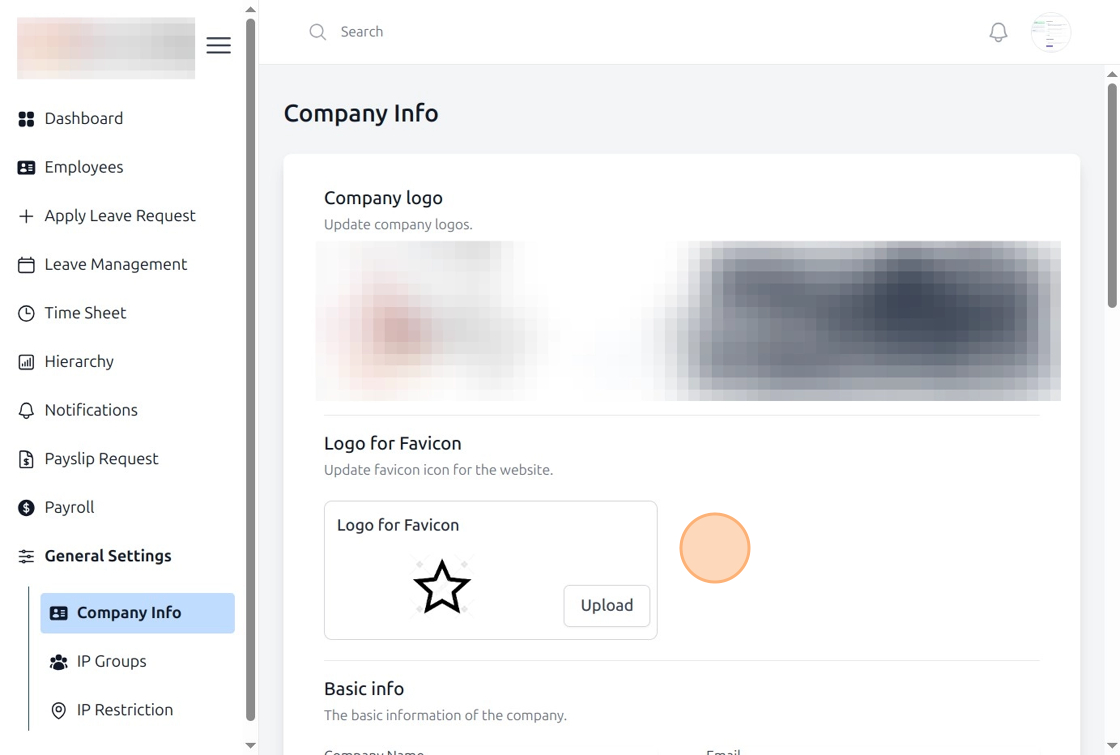
Uploading Favicon in HRM
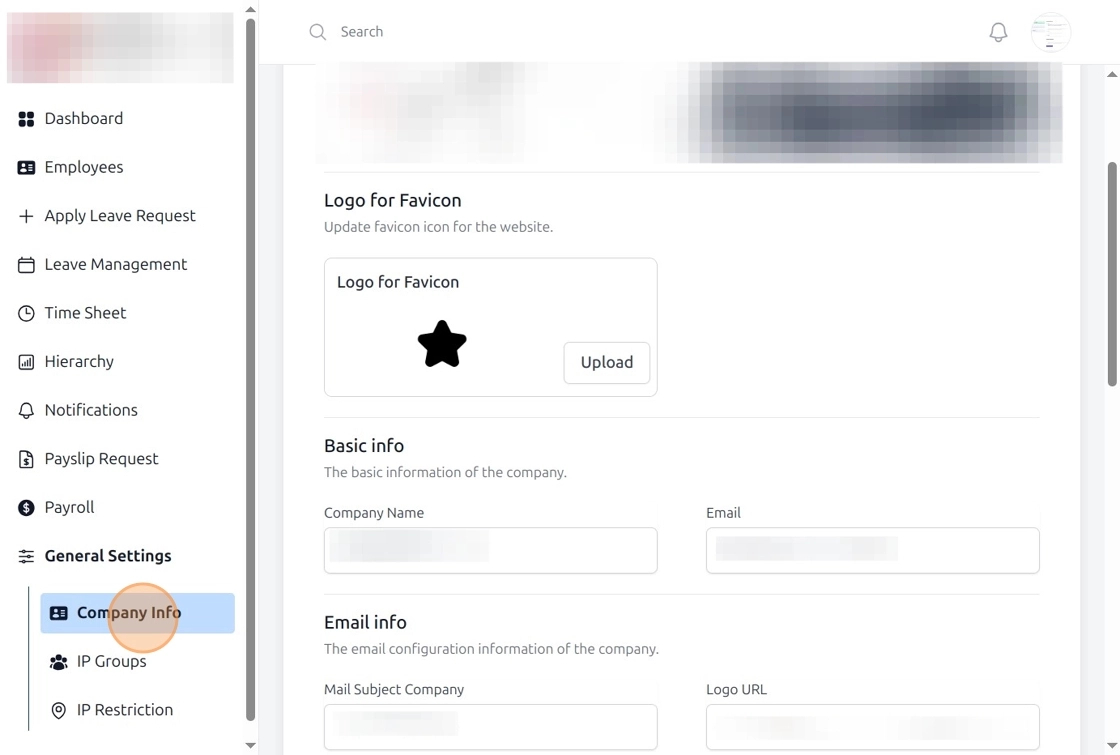
Open Company Info Page
Navigate to the Company Info section in the HRM system.
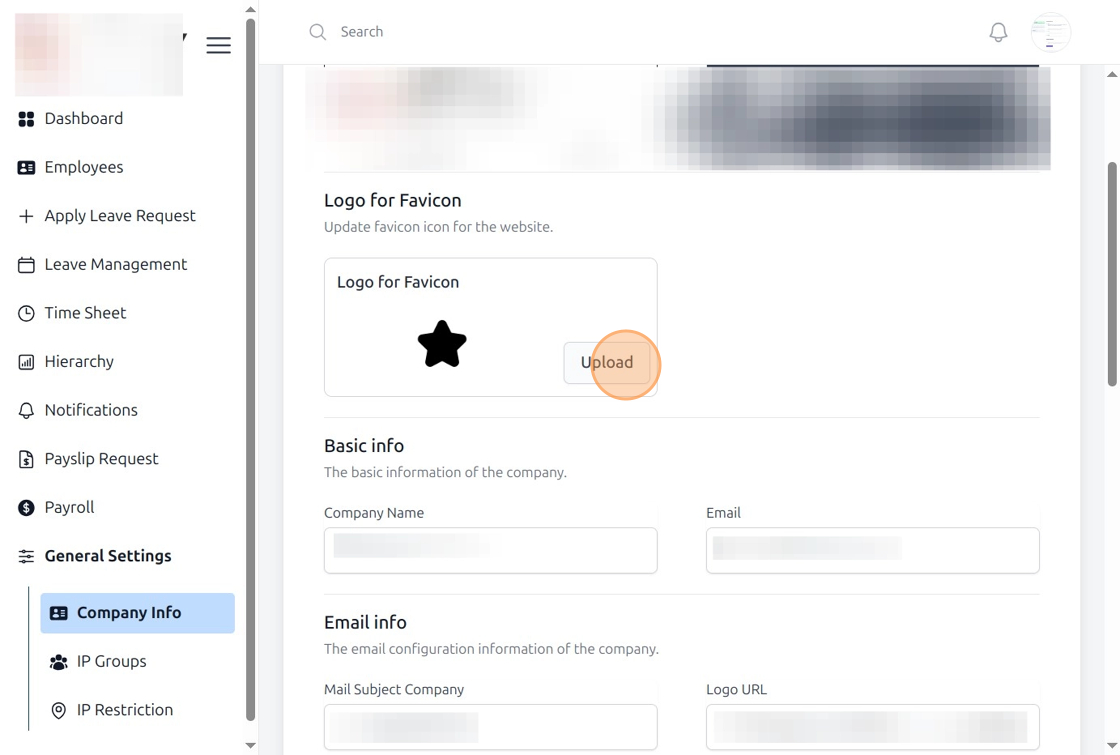
Upload the Favicon Logo
Click the Upload button in the Logo for Favicon field and select the favicon file.
Verify the Updated Favicon
After uploading, check the system to ensure the favicon has been updated successfully.